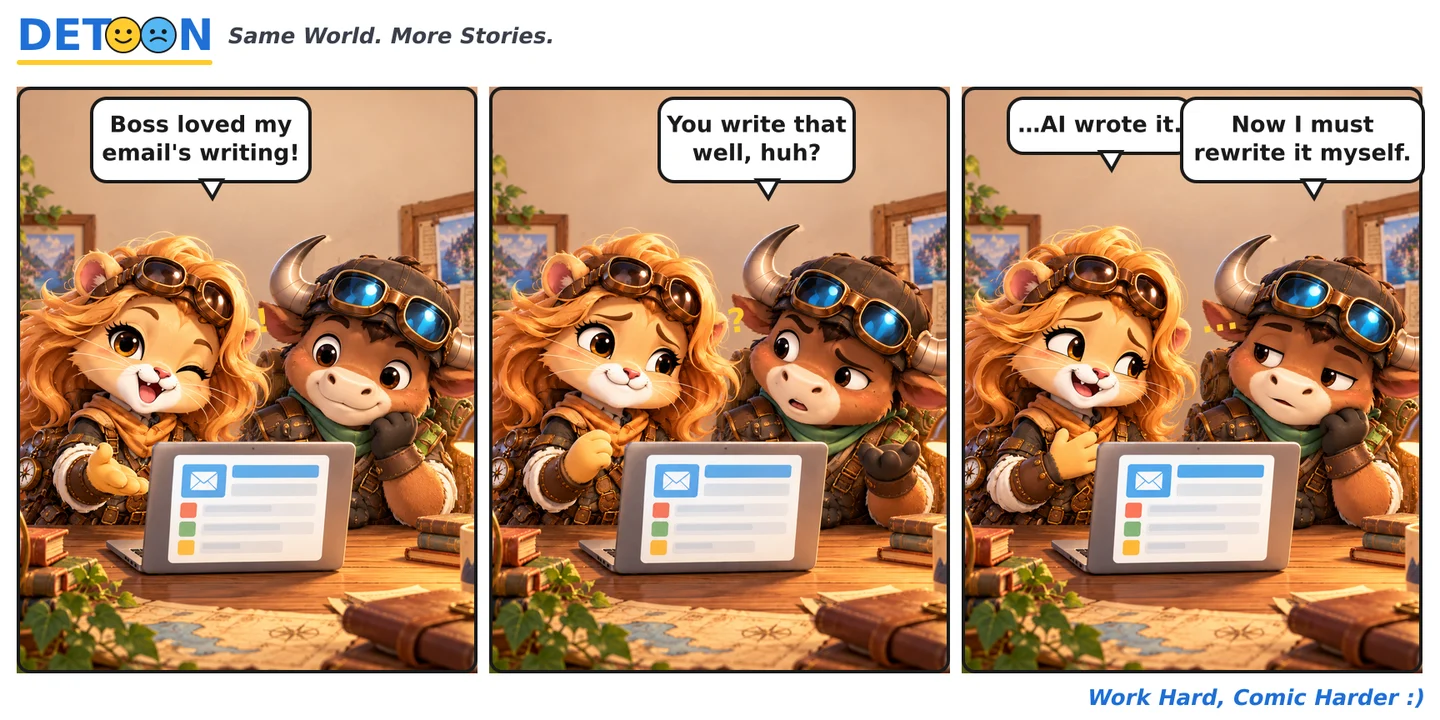
The AI-written email read so smoothly the boss praised it — then said "write it yourself next time." So what does AI help with, and where does it fall short?
What AI email help is good at
AI assistants (Gemini in Gmail, Copilot in Outlook, or standalone chatbots) can draft quickly, shift tone from formal to friendly, summarize long threads and fix spelling. Great for getting a draft in seconds.
Why the boss still wants you to write it
AI prose is smooth but tends to be generic, misses internal context (who's who, what's going on), and sometimes gets details wrong or the tone off for the recipient. Work email needs the right facts and the right relationship — that part is still on you.
How to use AI for email safely
- Always reread and edit before sending — don't ship the raw AI draft.
- Don't paste sensitive or confidential company information into external AI tools.
- Check the important details: numbers, names, dates, commitments.
- Adjust the tone to fit the recipient and your company culture.
About this article: a DETOON entertainment comic with a few practical notes on using AI at work.